
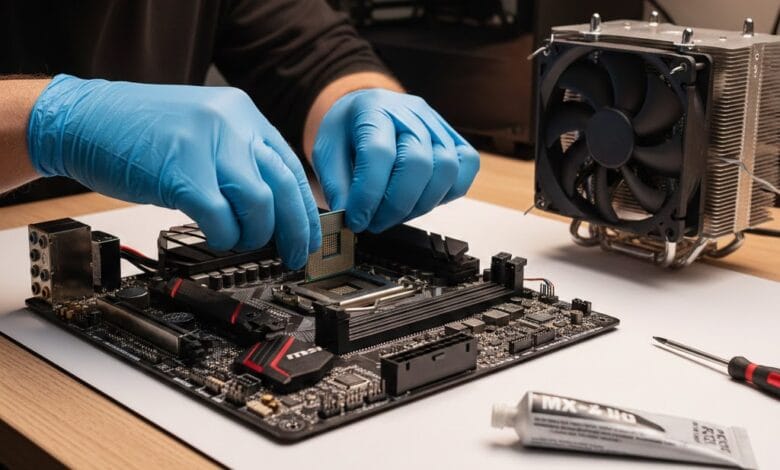
If your aging desktop feels sluggish in 2026—struggling with web conferencing, light gaming, or everyday multitasking—a CPU upgrade can breathe new life into it without breaking the bank. But not every older PC can accept a modern processor, and choosing the wrong one wastes money and time. In this guide, we’ll help you identify compatible, cost-effective CPU upgrades that deliver real-world performance gains for systems built between 2011 and 2020.
We focus exclusively on practical, US-market solutions—factoring in current pricing (as of early 2026), motherboard compatibility, thermal constraints, and actual performance uplift. Whether you’re using an aging Intel Sandy Bridge rig or an AMD FX-based workstation, you’ll find a clear path forward.
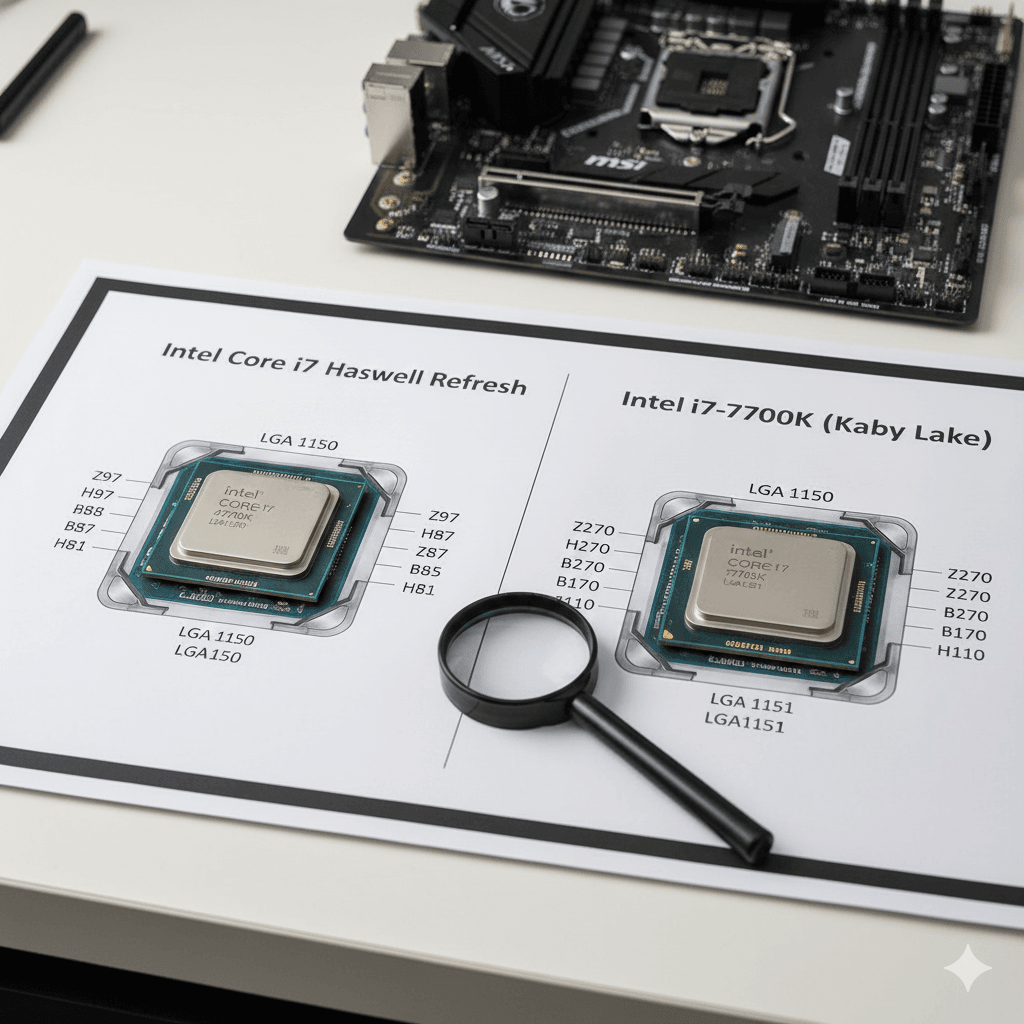
Intel i7-4790K vs i7-7700K CPU upgrade comparison for older PCs
Why a CPU Upgrade Might Be Right for You (and When It’s Not)
Before spending a dime, ask: Is a CPU upgrade actually the bottleneck? Many users blame the processor when the real issue is insufficient RAM, a slow hard drive, or outdated drivers.
Check these first:
- RAM: Less than 8GB on Windows 11 or modern Linux distros? Upgrade to 16GB before touching the CPU.
- Storage: Still using a mechanical HDD? Swapping to a SATA SSD often delivers a bigger perceived speed boost than a CPU upgrade.
- Thermals: Old thermal paste dries out. Clean your heatsink and reapply paste—it can lower temps by 10–15°C.
- Power Supply: Ensure your PSU can handle a slightly more power-hungry CPU (especially if moving from low-TDP to mid-range chips).
If your system already has 16GB RAM, an SSD, and runs cool—but still stutters during Zoom calls or Chrome tabs—then yes, a CPU upgrade is likely your best next step.
How to Check CPU Compatibility (Step-by-Step)
You can’t just drop in any CPU. Compatibility hinges on three factors:
- Socket Type: The physical and electrical interface between CPU and motherboard.
- Chipset Support: Even with the same socket, older chipsets may not support newer CPUs without a BIOS update.
- BIOS Version: Many older boards require a BIOS update to recognize newer processors—but you need a CPU that already works to perform that update.
Here’s what to do:
Step 1: Identify Your Motherboard
- On Windows: Open Command Prompt and type
wmic baseboard get product,Manufacturer - On Linux: Run
sudo dmidecode -t baseboard - Or use free tools like CPU-Z or Speccy.
Step 2: Find Your Current CPU and Socket
CPU-Z’s “CPU” tab shows your processor name and socket (e.g., LGA1155, AM3+, etc.).
Step 3: Check Manufacturer’s CPU Support List
Go to your motherboard maker’s website (ASUS, MSI, Gigabyte, etc.), find your exact model, and look for the “CPU Support” or “Compatibility” page. This list is definitive.
⚠️ Warning: Never assume compatibility. A CPU that fits physically may not work due to power delivery or microcode limitations.
Best CPU Upgrades by Platform (2026 Recommendations)
Below are the top value-focused, readily available CPU upgrades for major legacy platforms as of January 2026. All prices reflect current US market averages from Newegg, Amazon, and Micro Center (including used/refurbished markets where relevant).
Intel LGA1155 (Sandy Bridge / Ivy Bridge – ~2011–2013)
Still surprisingly common in budget office PCs and media centers.
Best Upgrade: Intel Core i7-3770K
- Cores/Threads: 4C/8T
- Base/Boost Clock: 3.5 / 3.9 GHz
- TDP: 77W
- Price: ~$45–$60 (used/refurbished)
- Pros: Huge leap over i3/i5 from this era; excellent single-threaded performance; unlocked for mild overclocking.
- Cons: Requires BIOS update on many H61/B75 boards; no AVX2 support (minor impact for most users).
Alternative: Core i5-3570K (~$30) if you don’t need hyperthreading.
💡 Use Case: Perfect for home theater PCs, light productivity, or retro gaming rigs.
Intel LGA1150 (Haswell – ~2013–2014)
Popular in mid-tier desktops; often paired with DDR3.
Best Upgrade: Intel Core i7-4790K
- Cores/Threads: 4C/8T
- Base/Boost Clock: 4.0 / 4.4 GHz
- TDP: 88W
- Price: ~$65–$80
- Pros: One of the fastest 4-core CPUs Intel ever made; strong gaming performance even in 2026; AVX2 support.
- Cons: Runs hot; requires robust cooling; Z87/Z97 boards only (H81/B85 may not support it).
Budget Pick: i5-4690K (~$40) for 4C/4T with high clocks.
Intel LGA1151 (Skylake/Kaby Lake – ~2015–2017)
Widespread in OEM systems (Dell, HP, Lenovo). Tricky due to multiple revisions.
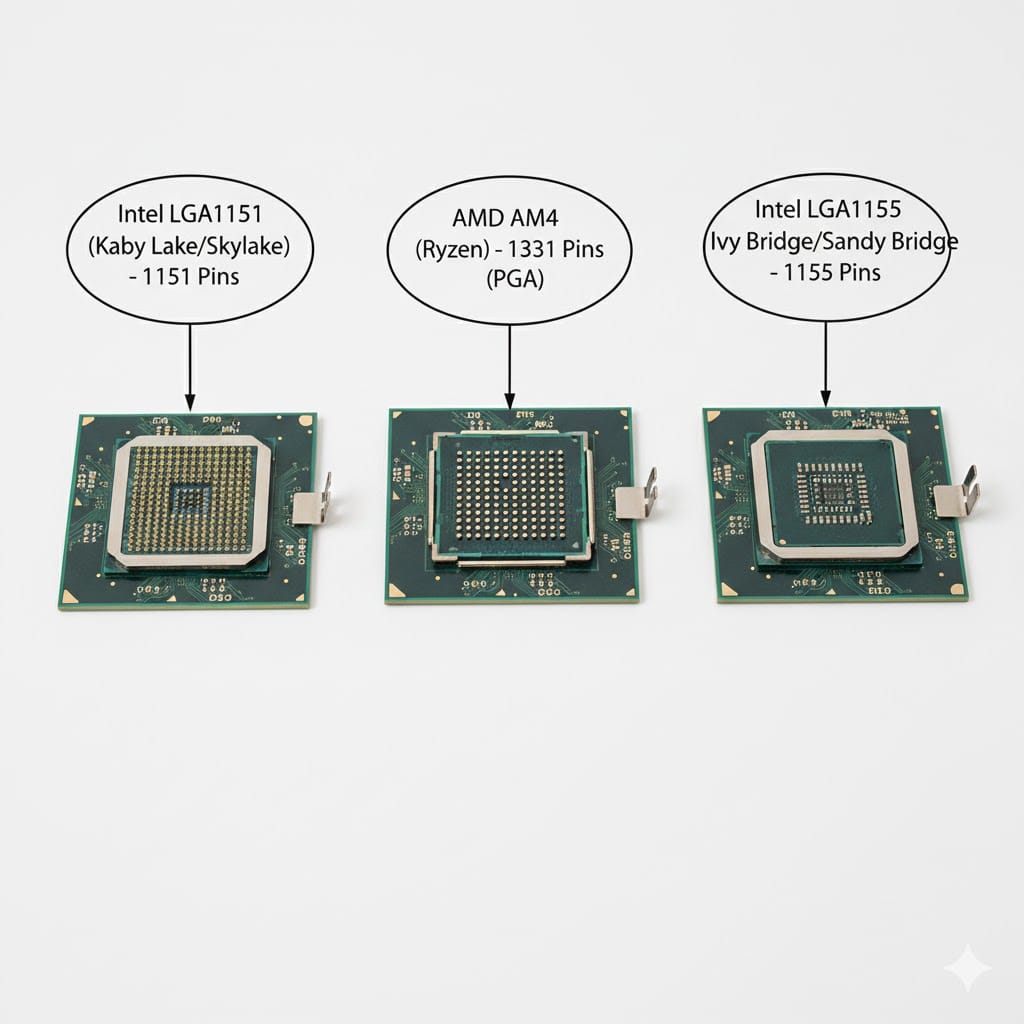
Important: LGA1151 has two incompatible versions:
- Version 1: For 6th-gen (Skylake)
- Version 2: For 7th-gen (Kaby Lake)
Check your motherboard model carefully.
Best Upgrade for v1 (Skylake): Core i7-6700K (~$70)
Best Upgrade for v2 (Kaby Lake): Core i7-7700K (~$85)
Both offer 4C/8T and excellent Windows 11 compatibility (with TPM workarounds if needed).
📌 Pro Tip: Kaby Lake CPUs have slightly better integrated graphics and power efficiency—ideal for office or media PCs.
AMD AM3+ (FX-Series – ~2011–2012)
Infamous for high power draw and poor IPC, but still found in budget builds.
Best Upgrade: AMD FX-8370 or FX-9590
- Cores/Threads: 8C/8T
- Base/Boost Clock: FX-8370: 4.0 / 4.3 GHz | FX-9590: 4.7 / 5.0 GHz
- TDP: 125W (FX-8370) / 220W (FX-9590!)
- Price: FX-8370 ~$35; FX-9590 ~$70 (but avoid unless you have serious cooling)
Reality Check: The FX architecture is outdated. Even the FX-9590 loses to modern dual-core CPUs in single-threaded tasks. Only consider if you’re running heavily multi-threaded workloads (e.g., legacy video encoding).
Better Path: If your budget allows, consider a full platform upgrade to AM4 (see below).
AMD AM4 (Ryzen 1000–3000 – ~2017–2020)
The golden zone for CPU upgrades. Most 300/400/500-series boards support Ryzen 5000 with a BIOS update.
Best Value Upgrade: AMD Ryzen 5 5600 (non-X)
- Cores/Threads: 6C/12T
- Base/Boost Clock: 3.5 / 4.4 GHz
- TDP: 65W
- Price: ~$130 (new, includes Wraith Stealth cooler)
- Pros: Massive performance uplift over Ryzen 1000/2000; excellent gaming and productivity; efficient.
- Cons: Requires BIOS update on older 300-series boards (use USB Flashback if available).
Budget Alternative: Ryzen 5 3600 (~$90 used) if you can’t update BIOS.
✅ Note: Ryzen 5000 CPUs are officially supported on B550/X570, but many B450/B350 boards work with updated BIOS (check motherboard QVL).
CPU Upgrade Comparison Table (2026)
| Platform | Best CPU Upgrade | Cores/Threads | Boost Clock | TDP | Price (USD) | Best For |
|---|---|---|---|---|---|---|
| Intel LGA1155 | Core i7-3770K | 4C/8T | 3.9 GHz | 77W | $45–$60 | Media PCs, office work |
| Intel LGA1150 | Core i7-4790K | 4C/8T | 4.4 GHz | 88W | $65–$80 | Retro gaming, productivity |
| Intel LGA1151v2 | Core i7-7700K | 4C/8T | 4.5 GHz | 95W | $85 | Windows 11 compatibility, office |
| AMD AM3+ | FX-8370 | 8C/8T | 4.3 GHz | 125W | $35 | Legacy multi-threaded tasks only |
| AMD AM4 | Ryzen 5 5600 | 6C/12T | 4.4 GHz | 65W | $130 | Gaming, streaming, multitasking |
When to Skip the CPU Upgrade (and What to Do Instead)
A CPU swap isn’t always the answer. Consider these alternatives:
1. Your Motherboard is Too Old (Pre-2011)
Platforms like LGA1366, AM2+, or LGA775 lack viable modern upgrades. Even the best CPUs for these sockets are outperformed by today’s $60 Celeron.
👉 Better Move: Build a new budget system around Intel’s 14th-gen or AMD’s Ryzen 7000 APU. You’ll get DDR5, PCIe 4.0, and 5+ years of support.
2. You’re Using an OEM Desktop (Dell OptiPlex, HP EliteDesk, etc.)
Many business PCs use proprietary motherboards with limited CPU options or locked BIOS.
👉 Try This: Add more RAM (up to 32GB DDR4), install a low-profile GPU (e.g., GTX 1650), or repurpose as a NAS/media server.
3. Your Use Case is Light (Web Browsing, Email)
If you’re not multitasking or using demanding apps, a CPU upgrade yields minimal benefit.
👉 Fix Instead: Reset Windows, disable startup apps, or switch to a lightweight OS like Linux Mint.
Expert Tips for a Successful CPU Swap
- Update BIOS Before Installing New CPU
If your board supports USB BIOS Flashback, use it. Otherwise, temporarily reinstall your old CPU to update. - Don’t Reuse Old Thermal Paste
Clean off old paste with >90% isopropyl alcohol and apply a fresh pea-sized drop. - Check Cooler Compatibility
Most LGA115x and AM4 coolers are cross-compatible, but verify mounting hardware. - Buy from Reputable Sellers
On eBay or r/homelab, look for sellers with >98% ratings and “tested” listings. - Benchmark Before and After
Use Cinebench R23 or PassMark to quantify gains. A 30–50% uplift is typical; anything less may indicate bottlenecks elsewhere.
Frequently Asked Questions (FAQ)
Q1: Can I upgrade my CPU without changing the motherboard?
A: Only if the new CPU uses the same socket and is supported by your motherboard’s chipset and BIOS. Always check the manufacturer’s CPU support list first.
Q2: Are used CPUs safe to buy in 2026?
A: Generally yes—CPUs rarely fail if not overclocked or overheated. Buy from sellers who confirm functionality and avoid units with bent pins.
Q3: Will a CPU upgrade make my old PC run Windows 11?
A: Possibly. Windows 11 requires 8th-gen Intel or Ryzen 2000+. Upgrading an LGA1151v2 system to an i7-7700K can work with registry edits, but Microsoft doesn’t officially support it.
Q4: How much performance gain can I expect?
A: Upgrading from a dual-core to a modern 4C/8T CPU typically yields 40–70% better multitasking and 20–40% faster application loading. Gaming gains depend more on your GPU.
Q5: Should I upgrade CPU or RAM first?
A: If you have <8GB RAM, upgrade RAM first. If you already have 16GB+ and an SSD, then focus on the CPU.
Final Thoughts: Smart Upgrades, Not Just New Parts
In 2026, extending the life of an older PC with a strategic CPU upgrade remains a smart, eco-friendly, and cost-effective choice—for the right systems. Focus on platforms with real upgrade paths: Intel LGA1150/1151 and AMD AM4 offer the best balance of performance, availability, and value.
Avoid throwing money at truly obsolete platforms (AM3+, LGA1155 for gaming). Instead, redirect that budget toward a future-proof entry-level build.
Your next steps:
- Identify your motherboard and socket.
- Consult the official CPU support list.
- Pick a processor from our recommendations above.
- Reapply thermal paste and update BIOS.
With careful planning, your 2015 desktop can still handle 2026 workloads—without costing you $500.