Apple Releases iOS 26.2 With the Innovative New Edge Light Tool – Here’s How to Try All the Latest OS Updates

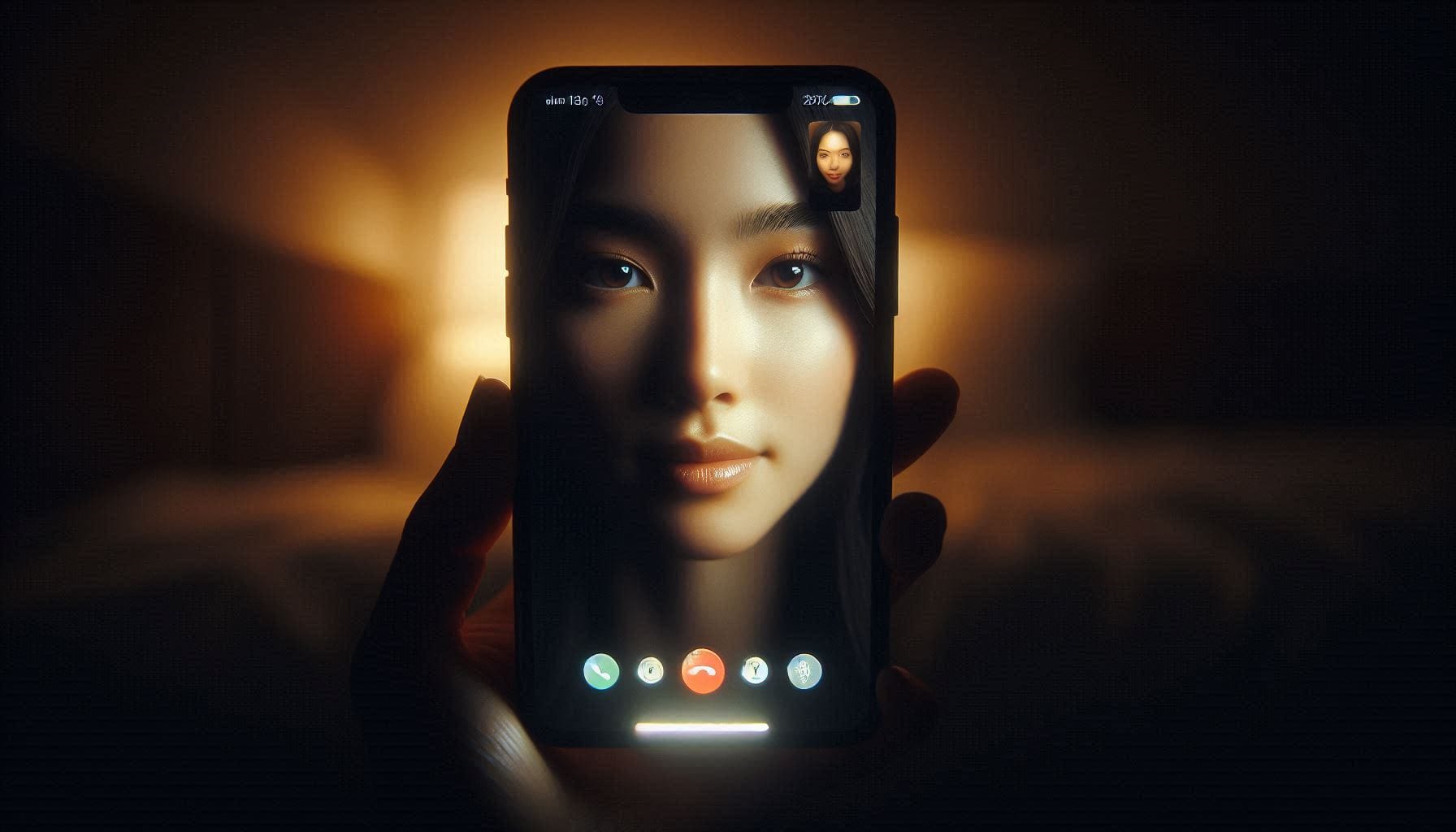
On December 12, 2025, Apple unveiled a suite of sophisticated software updates across its ecosystem, headlined by iOS 26.2 and iPadOS 26.2. Among the refinements and security enhancements, one feature stands out for its elegant practicality: the Edge Light tool. This clever video effect transforms your device’s screen into a virtual ring light, softly illuminating your face during video calls in dim environments. Paired with thoughtful tweaks to Liquid Glass customization, enhanced Reminders functionality, and bolstered privacy measures, these updates exemplify Apple’s commitment to polishing an already refined experience.
Whether you’re a professional relying on crystal-clear FaceTime calls, a creative enthusiast exploring the evolving Liquid Glass design, or simply a user prioritizing security, iOS 26.2 and its companion releases deliver meaningful improvements. This comprehensive guide explores the highlights, with a deep focus on the Edge Light tool, details the broader ecosystem updates, and provides precise instructions for installing and experiencing these advancements on your devices.
Spotlight on Edge Light: A Game-Changer for Video Calls
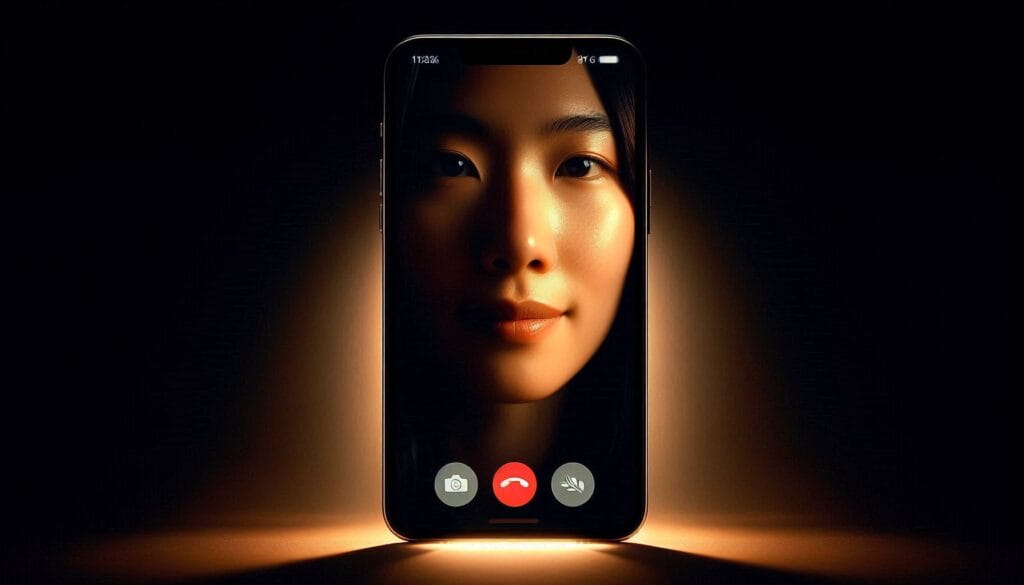
The star of iOS 26.2 and macOS Tahoe 26.2 is undoubtedly Edge Light, a subtle yet transformative feature designed to elevate video communication. In low-light settings—think evening calls from a cozy but dimly lit living room or late-night check-ins while traveling—traditional front-facing cameras often struggle to capture flattering, even lighting. Edge Light addresses this by intelligently using the device’s display to emit a soft, diffused glow around the screen’s edges, simulating the professional effect of a ring light.
This isn’t mere brightness adjustment; Edge Light employs advanced algorithms to provide balanced fill light that reduces shadows, evens skin tones, and maintains natural colors without overexposure. It’s particularly effective on iPhone models with OLED displays, where the precise control over individual pixels allows for seamless integration. On MacBooks, the larger screen amplifies the effect, turning your laptop into a portable studio light.
To activate Edge Light on iPhone or iPad:
- Open the Control Center during a compatible video call (FaceTime, Zoom, WhatsApp, etc.).
- Tap the Video Effects button (or access it via the app’s controls).
- Toggle “Edge Light” on.
- Adjust intensity with the slider for subtle ambiance or stronger illumination.
On Mac, it’s even more streamlined: Click the camera icon in the menu bar during a call and enable Edge Light, with options to fine-tune warmth and brightness.
Users report transformative results—sharper details in eyes, reduced harsh shadows under the chin, and an overall polished appearance that rivals dedicated ring lights. For remote workers, content creators, or families staying connected across time zones, Edge Light adds a layer of professionalism and warmth to every interaction. It’s compatible with iPhone 11 and later, ensuring broad accessibility.
Key Enhancements in iOS 26.2 and iPadOS 26.2
Beyond Edge Light, iOS 26.2 introduces refinements that enhance daily usability:
- Liquid Glass Customization: Building on iOS 26’s signature translucent design, you can now apply a tinted overlay directly to the Lock Screen clock. Navigate to Settings > Wallpaper > Customize Lock Screen to experiment with hues that harmonize with your wallpaper, creating a more personalized and immersive aesthetic.
- Reminders Alarms: Urgent tasks now support dedicated alarms with snooze options and persistent Lock Screen Live Activities, ensuring nothing falls through the cracks.
- AirDrop Security Boost: Transfers with unknown contacts require numeric code verification, adding friction for safety without complicating familiar exchanges.
- Accessibility Expansions: Flash for Alerts now includes screen-based options alongside LED, with Edge Light complementing low-vision or hearing-impaired users during calls.
- Media Improvements: Apple Music gains offline lyrics downloading, while Podcasts receives auto-generated chapters for easier navigation.
- Emergency SOS Refinements: “Call Quietly” mode suppresses sirens during activation, ideal for discreet emergencies.
Critically, iOS 26.2 patches over 20 vulnerabilities, including exploited WebKit and kernel issues, underscoring Apple’s proactive security stance.
iPadOS 26.2 mirrors these changes, with larger-screen optimizations for Edge Light in Split View calls and enhanced multitasking integrations.
Companion Updates Across the Apple Ecosystem
Apple’s December releases extend coherently across platforms:
- macOS Tahoe 26.2: Introduces Edge Light prominently, leveraging the MacBook’s expansive display for superior ring-light simulation. Additional perks include Safari enhancements and system-wide stability fixes.
- watchOS 12.2 (aligned with iOS 26): Refines sleep tracking scores and adds contextual complications tied to iPhone Reminders.
- tvOS 26.2: Improves HomeKit integrations and AirPlay reliability.
- visionOS 26.2: Minor performance tweaks for Apple Vision Pro, maintaining parity on security patches.
These synchronized updates ensure seamless Continuity features—like Handoff, Universal Control, and shared Edge Light settings via iCloud—function flawlessly across devices.
Step-by-Step: Installing the Updates Safely
To experience iOS 26.2 and Edge Light firsthand:
For iPhone/iPad (iOS/iPadOS 26.2):
- Back up your device via iCloud (Settings > [Your Name] > iCloud > iCloud Backup) or computer.
- Connect to Wi-Fi and power.
- Go to Settings > General > Software Update.
- Tap “Download and Install” when iOS 26.2 appears.
- Enter your passcode and agree to terms.
The process typically takes 30-60 minutes, with automatic overnight installation options available.
For Mac (macOS Tahoe 26.2):
- Open System Settings > General > Software Update.
- Click “Update Now” for macOS Tahoe 26.2.
- Follow prompts; restarts may occur.
For Apple Watch (watchOS 12.2):
- Ensure Watch is charging and near iPhone.
- On iPhone: Open Watch app > General > Software Update.
- Install when prompted.
For Apple TV (tvOS 26.2):
- Settings > System > Software Updates > Update Software.
Post-installation, explore Edge Light immediately in a test FaceTime call. If automatic updates were enabled during setup, verify preferences in Settings > General > Software Update > Automatic Updates.
Accessing Future Updates Early: Beta Programs
For enthusiasts eager to preview upcoming features—like potential iOS 26.3 enhancements—Apple offers two beta tracks:
- Public Beta: Free and stable. Enroll at beta.apple.com, then enable in Settings > General > Software Update > Beta Updates.
- Developer Beta: More cutting-edge but riskier. Requires a paid Apple Developer account ($99/year).
Betas install similarly to stable releases but may introduce bugs. Always back up first, and consider a secondary device.
Conclusion: Elevate Your Apple Experience Today
Apple’s December 2025 updates, centered on iOS 26.2 and the ingenious Edge Light tool, represent a masterful blend of innovation and refinement. Edge Light alone redefines video calling with its virtual ring-light elegance, while complementary features like enhanced Liquid Glass tinting and robust security patches enrich the entire ecosystem.
From iPhones to Macs, these releases harmonize functionality, aesthetics, and protection. Whether illuminating late-night conversations or streamlining daily tasks, they invite users to engage more deeply with their devices.
Update today to unlock these advancements—your next video call, reminder, or Lock Screen glance will feel noticeably more refined. With Apple’s relentless evolution, the best of iOS 26 is unfolding now.